
Your website might be quietly losing you business and you’d never know it. There’s no notification that says “a potential customer just left because your site took six seconds to load on their phone.” They just go to the next result.
The average small business website converts somewhere between 1% and 3% of visitors. That means for every 100 people who land on your site, 97 leave without doing anything. Some of that is normal — not everyone who visits is ready to buy. But some of it is your website actively driving customers away.
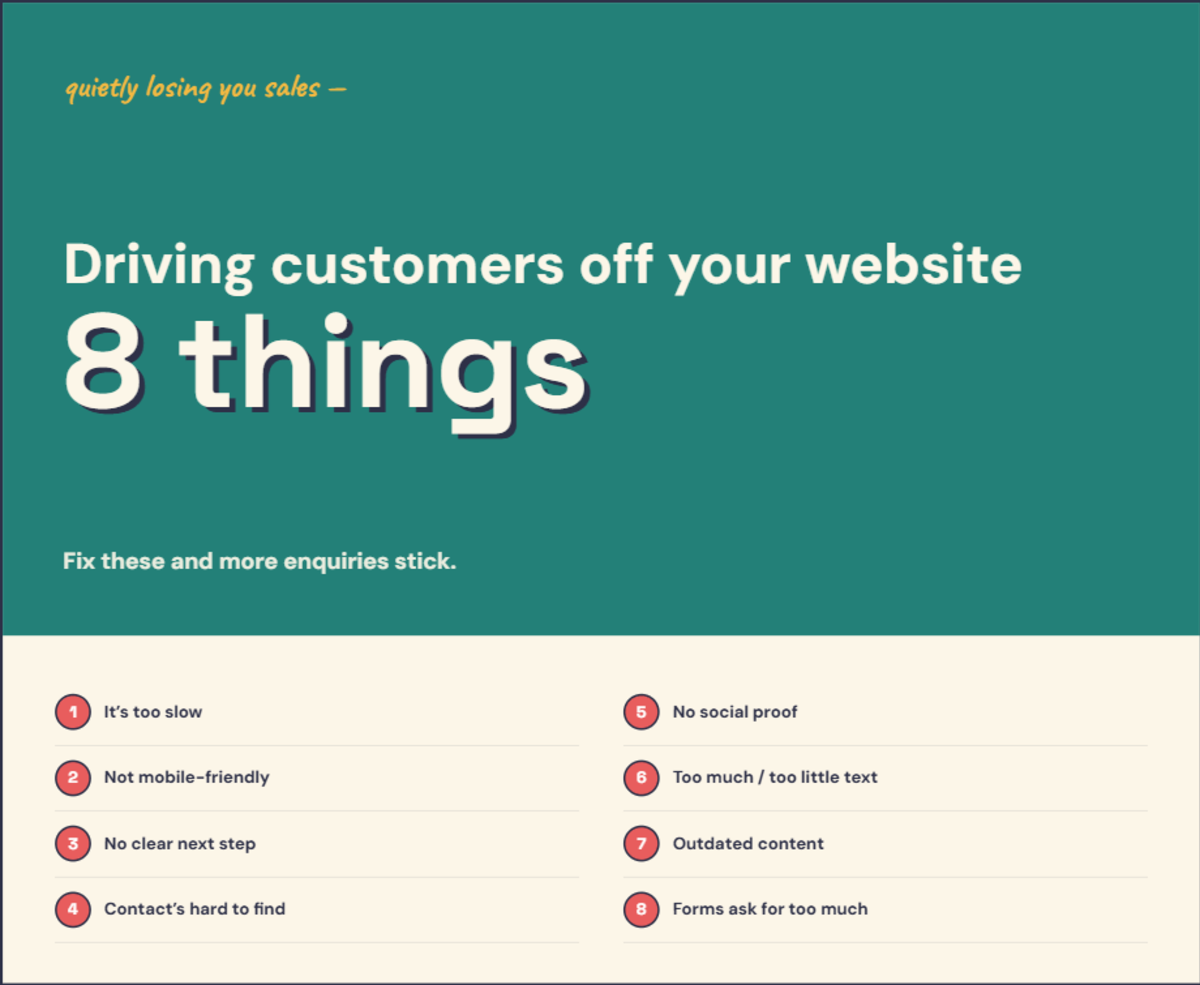
Here are eight of the most common reasons — and how to check for each one yourself.
1. It’s too slow
Google’s benchmark research found the probability of a bounce rises 32% when a page takes 3 seconds to load instead of 1 second. At 5 seconds, it jumps to 90%. Every second counts.
A big share of your visitors are on phones — and mobile connections are typically slower than desktop. If your site loads in 2 seconds on your office Wi-Fi, it might take 6 seconds on someone’s phone at a bus stop.
How to check: Go to PageSpeed Insights and enter your URL. Look at the mobile score. Anything below 50 needs attention. Focus on Largest Contentful Paint (LCP) — that’s the main loading speed metric. Google’s current thresholds are under 2.5 seconds for good, over 4 seconds for poor.
2. It doesn’t work properly on a phone
This is different from being slow. A site can load quickly and still be unusable on mobile — tiny text you have to pinch to read, buttons too small to tap, horizontal scrolling, menus that don’t open, forms you can’t fill in.
Statcounter’s Australian data puts mobile at roughly four in every ten page views here — lower than the global half-and-half split, but still an enormous share of your visitors. And Google indexes the mobile version of your site first regardless. If your site isn’t properly responsive, you’re giving a huge slice of your audience — and Google — a bad experience.
How to check: Open your website on your phone right now. Not just the homepage — navigate to your services page, your contact page, try to fill in your contact form. If anything feels awkward, it is.
3. There’s no clear next step
Someone lands on your site. They read about your services. They think “this looks good.” Then what? If the answer is “scroll around and hope to find a contact form,” you’ve lost them.
Most small business websites I look at have no clear call to action on the homepage. A CTA doesn’t need to be a flashing button — it can be as simple as “Book a free chat” or “Get a quote.” But it needs to be visible, specific, and easy to find.
How to check: Open your homepage. Without scrolling, can you see a button or link that tells you exactly what to do next? Now check your services page. Same question. I’ve covered what every page should include in my page-by-page website guide.
4. Your contact details are hard to find
It sounds basic. It is basic. And yet I regularly come across business websites where finding the phone number requires three clicks and a scroll. Or the only contact option is a form — no phone number, no email address, no physical location.
If someone has decided they want to get in touch, every second of friction between that decision and the action risks losing them.
How to check: Ask someone who hasn’t seen your website to find your phone number as fast as they can. Time them. If it takes more than 5 seconds, move it somewhere more visible.
5. There’s no social proof
When someone lands on your site for the first time, they’re making a trust decision. Reviews, testimonials, client logos, case studies — these do the heavy lifting.
BrightLocal’s 2026 Local Consumer Review Survey found 97% of consumers read reviews online, and 68% won’t use a business rated below 4 stars. If your website offers no proof that anyone has hired you and been happy about it, you’re asking strangers to take your word for it.
How to check: Look at your website through the eyes of someone who’s never heard of you. Is there anything on the page that proves other people have used your services and had a good experience? If the only evidence is you saying you’re good at what you do, that’s not enough. My posts on getting more Google reviews and how to ask clients for reviews cover the practical side.
6. There’s too much text — or not enough
Walls of text that nobody reads and sparse pages with barely a sentence are both problems. They just fail differently.
Too much text: visitors scan, they don’t read. If your homepage is 2,000 words of dense paragraphs, most people will bounce before they reach the part that matters. Not enough text: Google can’t understand what the page is about, and visitors can’t tell if you’re the right fit.
How to check: Open your homepage on your phone. Does the content feel overwhelming? Or does it feel empty? Good small business websites use short paragraphs, clear headings as signposts, and enough text for both humans and Google. I’ve written about this in my five pages every website needs post.
7. The content is outdated
A copyright notice that says “© 2021” tells visitors nobody’s been maintaining this site. A blog where the latest post is from 18 months ago sends the same message. Pricing that doesn’t match your current rates creates confusion.
Outdated content is a credibility problem. It suggests the business might be closed, or that the owner doesn’t pay attention to detail.
How to check: Look at every date visible on your website. Your footer copyright, your blog dates, any “last updated” timestamps. Then check your pricing, your team page (is everyone still there?), and your services — do they reflect what you actually offer today?
8. Your forms ask for too much
Form-analytics benchmarks consistently find that roughly half the people who start filling in a form give up before finishing. The main culprits: too many fields, asking for unnecessary information, and requiring phone numbers when an email would do.
Trimming a long form down to three or four essential fields is one of the most reliable conversion improvements there is.
How to check: Count the fields on your contact form. If there are more than four or five, ask yourself which ones you genuinely need for a useful first conversation. Name, email, and “how can I help?” is usually enough.
If you can only fix three things
Start with speed (#1), mobile experience (#2), and your call to action (#3). These three affect every single visitor. Fix them first, then work through the rest.
Want to know exactly what’s going on with your website? Get a free website audit — I’ll review your site personally and walk you through what I find. No jargon, no sales pitch.
Frequently asked questions
How do I know if my website is driving customers away?
Check your bounce rate in Google Analytics — if more than 60–70% of visitors leave without clicking anything, something's off. Then test the basics yourself: load your site on your phone, try to find your phone number in under 5 seconds, and attempt to fill in your contact form. If any of those feel awkward, your customers feel it too.
What's a good bounce rate for a small business website?
For a service-based small business website, a bounce rate between 40% and 60% is typical. Below 40% is excellent. Above 70% suggests visitors aren't finding what they expected — either the content doesn't match their search, the site is slow, or it's not giving them a clear next step.
Want to know how your current website stacks up?
Get a free, plain-English audit.
Get Your Free Audit →